

Move your domain from any registrar in 4 simple steps. Your website and email stay live throughout. Free WHOIS privacy included.
The entire process takes 5 to 7 days. Your website and email stay fully operational throughout.
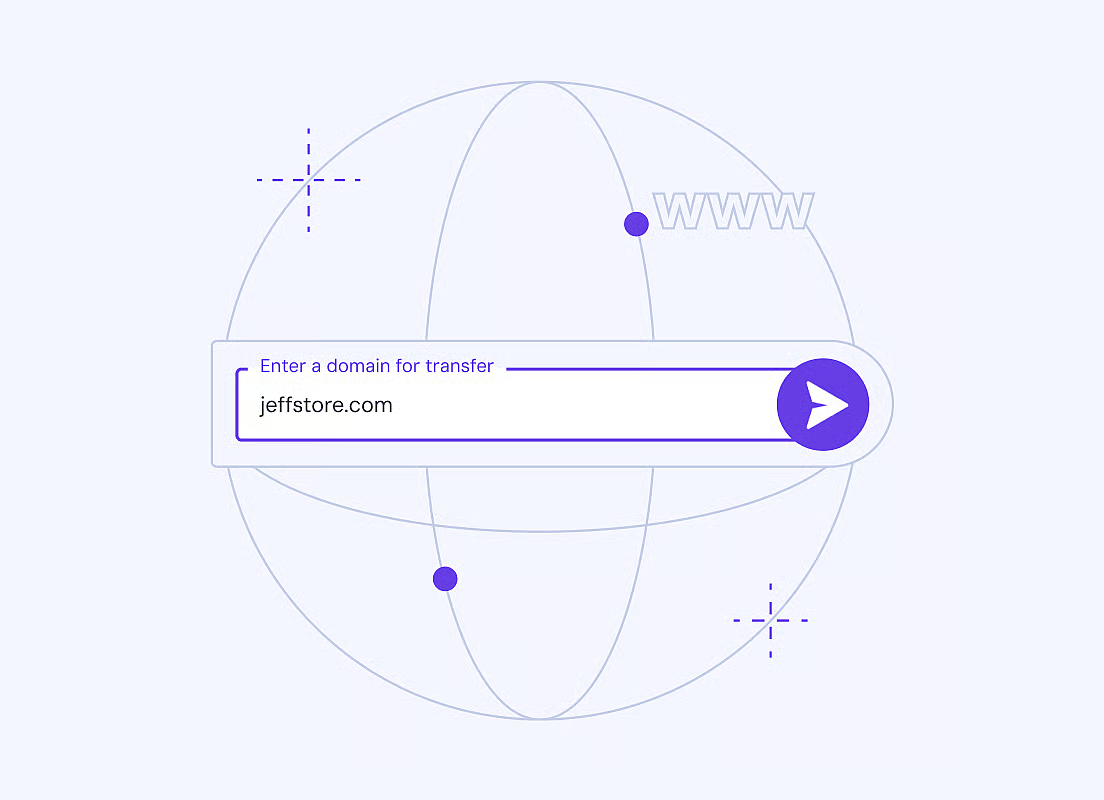
Type the domain name you want to transfer in the search box above and click Transfer. We'll check eligibility instantly.
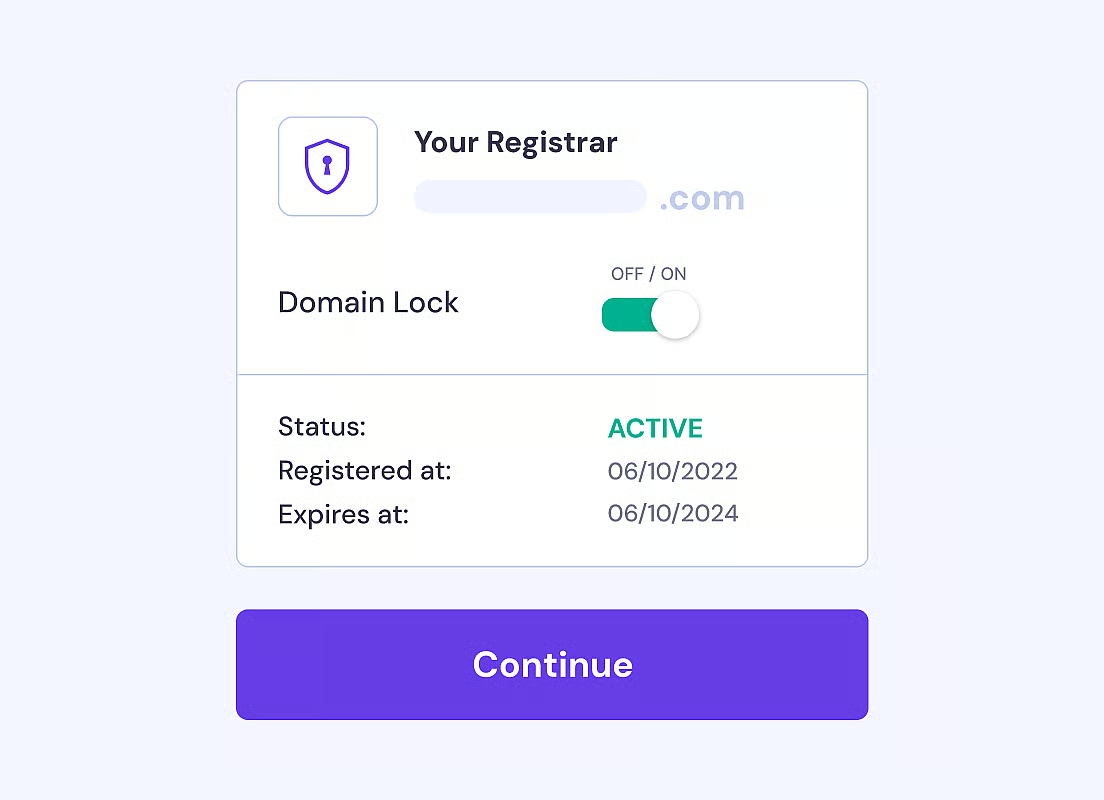
Log into your current registrar (GoDaddy, Namecheap, etc.), disable the domain lock, and turn off WHOIS privacy protection if enabled.
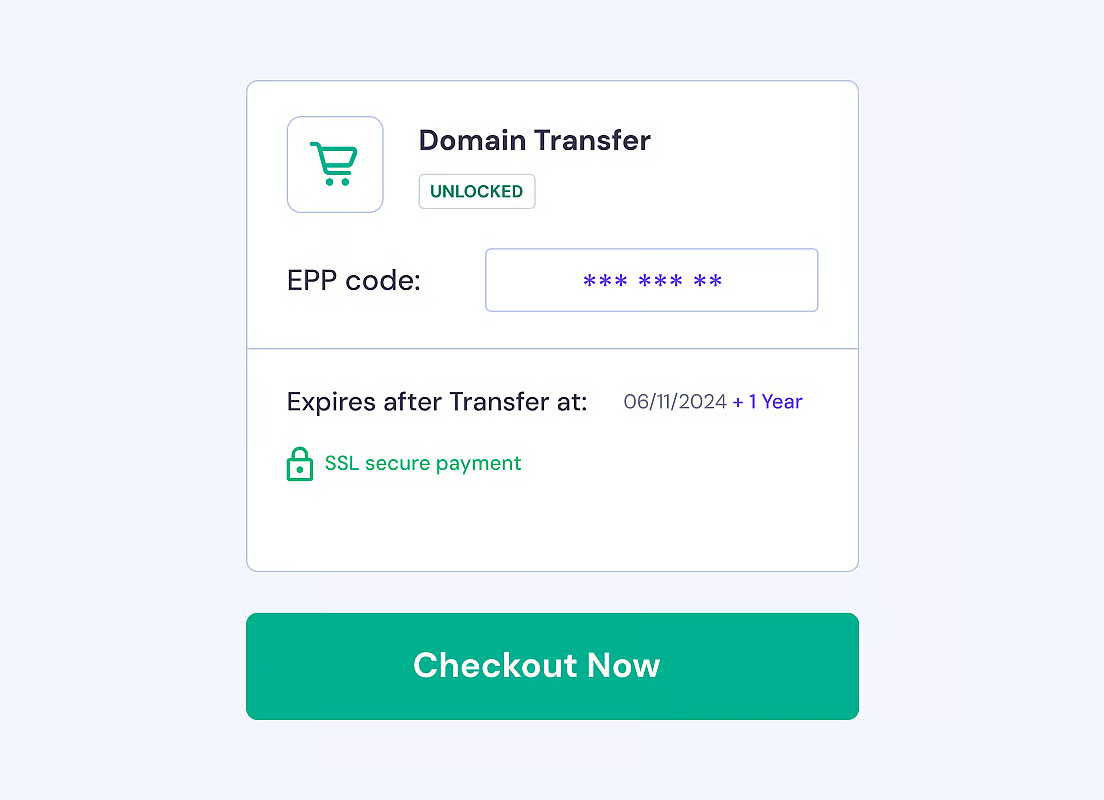
Get your EPP authorization code from your current registrar and enter it during checkout. This code confirms you own the domain.
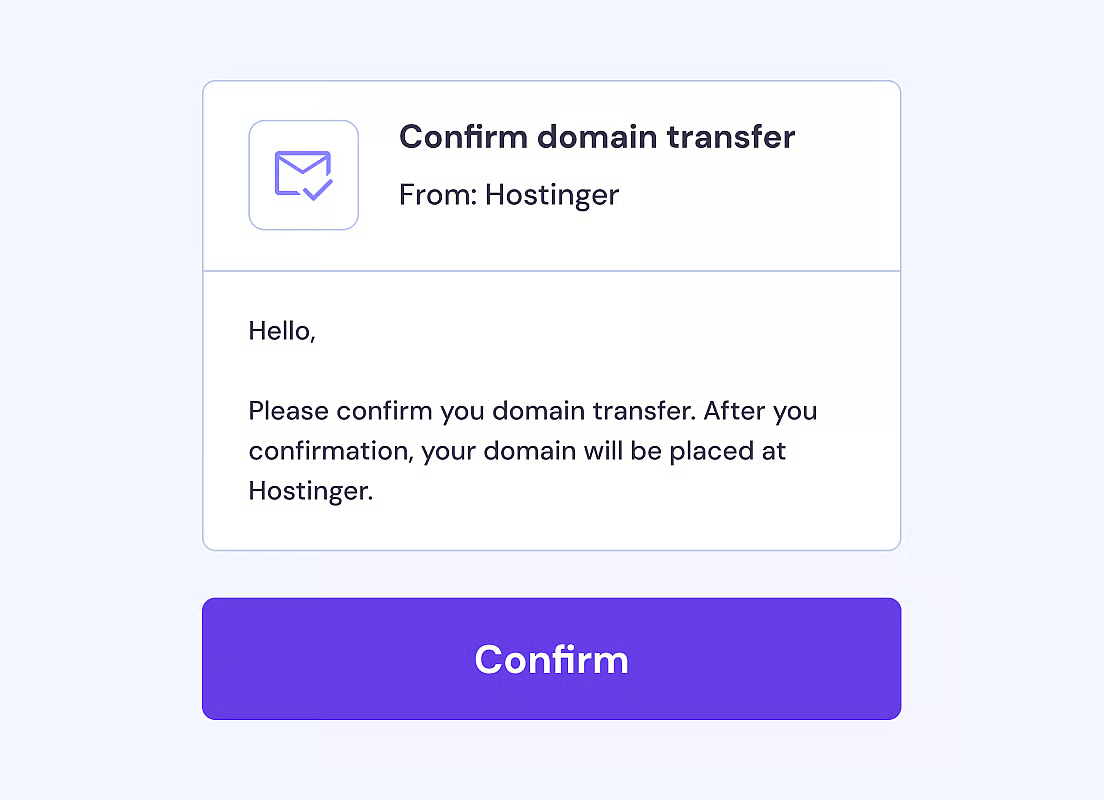
Approve the transfer via the confirmation email sent to your registered address. Transfer completes within 5–7 days. Done.
More control, better support, and everything managed from one dashboard — that's what OBHost delivers.
Your personal details — name, address, email, phone — are hidden from public WHOIS lookups automatically. Included free with every eligible transfer.
Transparent pricing on all TLDs — no hidden fees, no renewal price shocks. Many transfers include an additional free year of registration.
Real engineers — not chatbots — available around the clock to guide you through every step of the transfer process. Average response under 3 minutes.
Manage A, CNAME, MX, TXT, and NS records from one clean dashboard. Connect to any hosting, email, or cloud service instantly — no technical skills needed.
Enable auto-renewal and your domain renews automatically every year. No reminders needed. Your website and email stay live without interruption.
Domain lock is enabled by default after every transfer. Your domain cannot be moved without your explicit approval — protected from hijacking from day one.
All pricing shown includes free WHOIS privacy. No hidden fees. Renewal rates shown upfront.
Loading transfer prices...
| Extension | Register | Renew | Transfer Price | |
|---|---|---|---|---|
| .com | $13.99 | $14.99 | $14.99 | Transfer → |
| .aero | $0.00 | $0.00 | $0.00 | Transfer → |
| .co | $13.99 | $34.99 | $34.99 | Transfer → |
| .net | $16.99 | $16.99 | $16.99 | Transfer → |
| .info | $4.99 | $25.99 | $25.99 | Transfer → |
| .pk | $20.00 | $25.00 | $0.00 | Transfer → |
| .art | $29.99 | $29.99 | $29.99 | Transfer → |
| .asia | $5.99 | $14.99 | $14.99 | Transfer → |
Make sure your domain meets these requirements before initiating a transfer. Most issues that delay transfers can be avoided by checking these points first.
Domain must be 60+ days old
ICANN policy requires at least 60 days since the original registration or last successful transfer before a new transfer can begin.
Domain must be in Active status
Your domain cannot be in Pending Delete, Redemption Period, or any hold status. Check your current registrar's dashboard to confirm Active status.
Have your EPP / Auth code ready
Request your EPP authorization code from your current registrar. It's a unique security string that proves domain ownership and is required to authorize the transfer.
Disable domain lock & WHOIS privacy
Unlock your domain and temporarily disable WHOIS privacy protection at your current registrar before initiating the transfer. Both can be re-enabled after completion.
Access to your registrant email
You must have access to the email address registered as the domain owner — you'll receive a transfer approval email that must be confirmed to proceed.
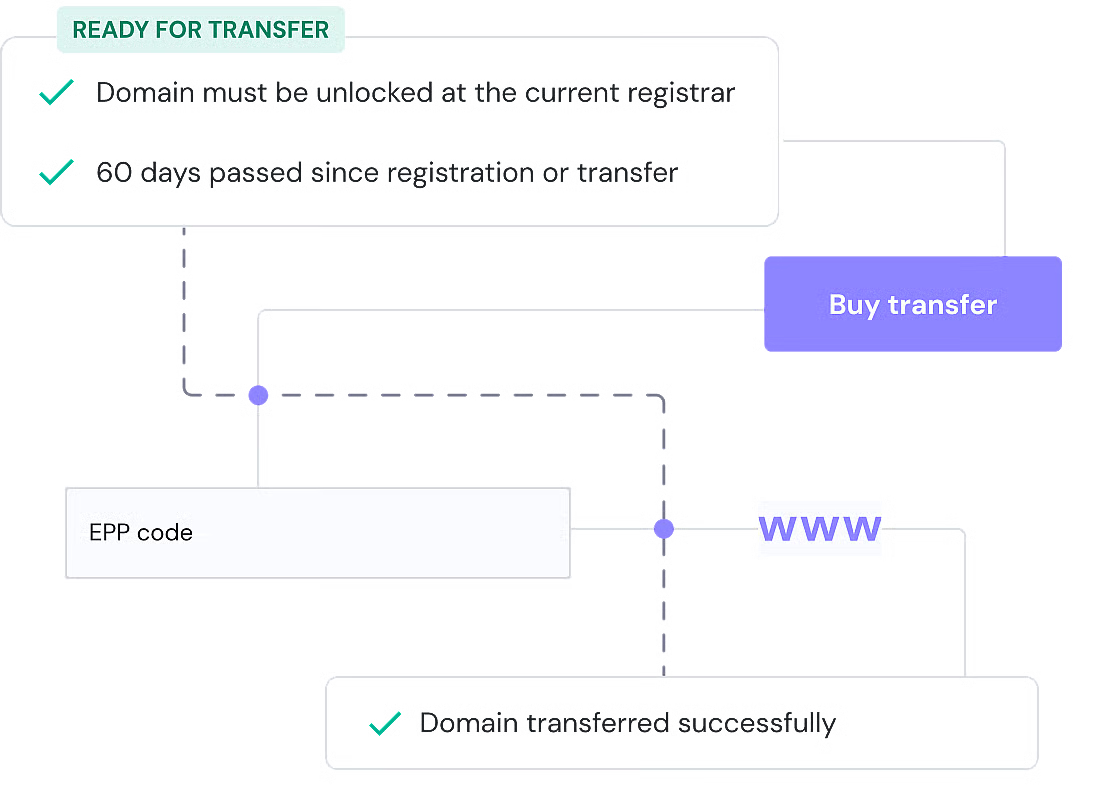
Real engineers. Real answers. Around the clock.
Stuck on EPP codes, domain unlock, or approval emails? Our team walks you through every step — available 24/7/365.
Detailed guides on how to unlock your domain, get your EPP code, and complete the transfer from every major registrar.
Register a fresh domain alongside your transfer. 500+ TLD extensions available. Free WHOIS privacy on all eligible registrations.
Everything you need to know about transferring your domain to OBHost — EPP codes, timelines, downtime, and more.
View Full FAQ →
Move your domain in 4 steps. Zero downtime. Free WHOIS privacy. Competitive pricing. 24/7 expert support included.
🇺🇸 Incorporated in Delaware, USA • 200,000+ Customers • 14-Day Money-Back Guarantee